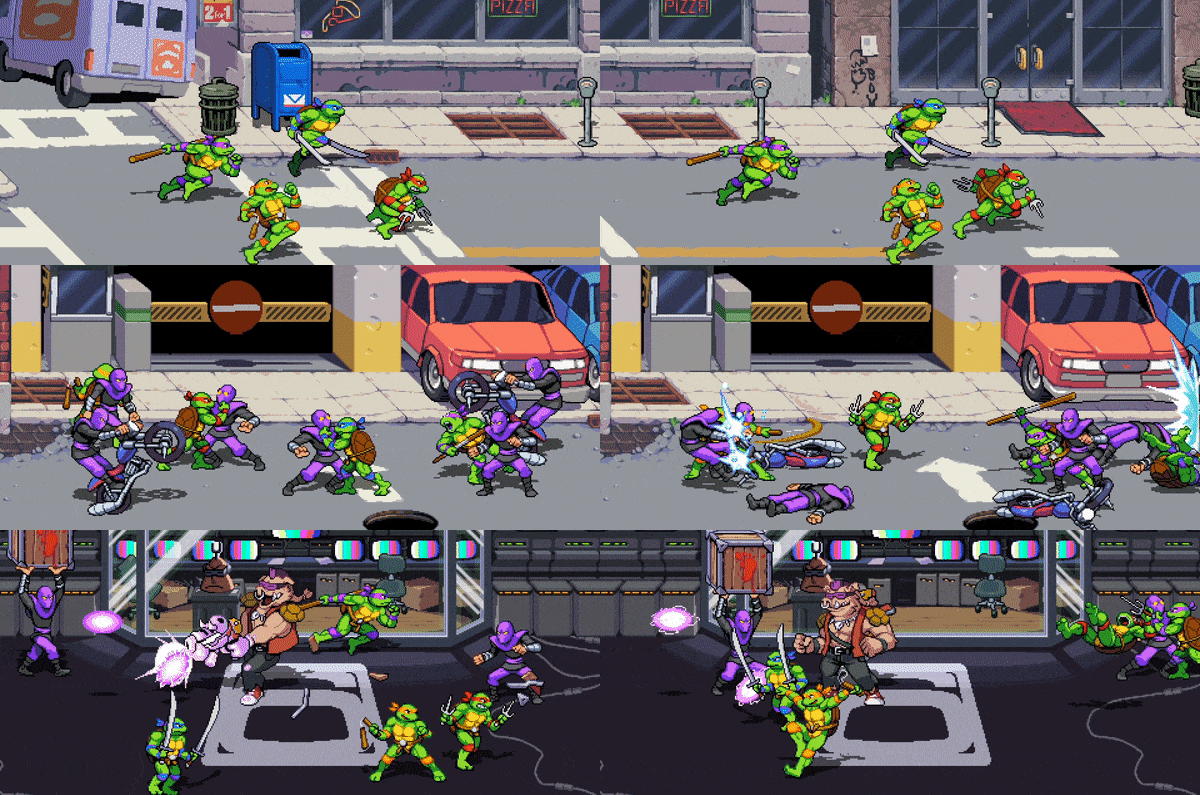
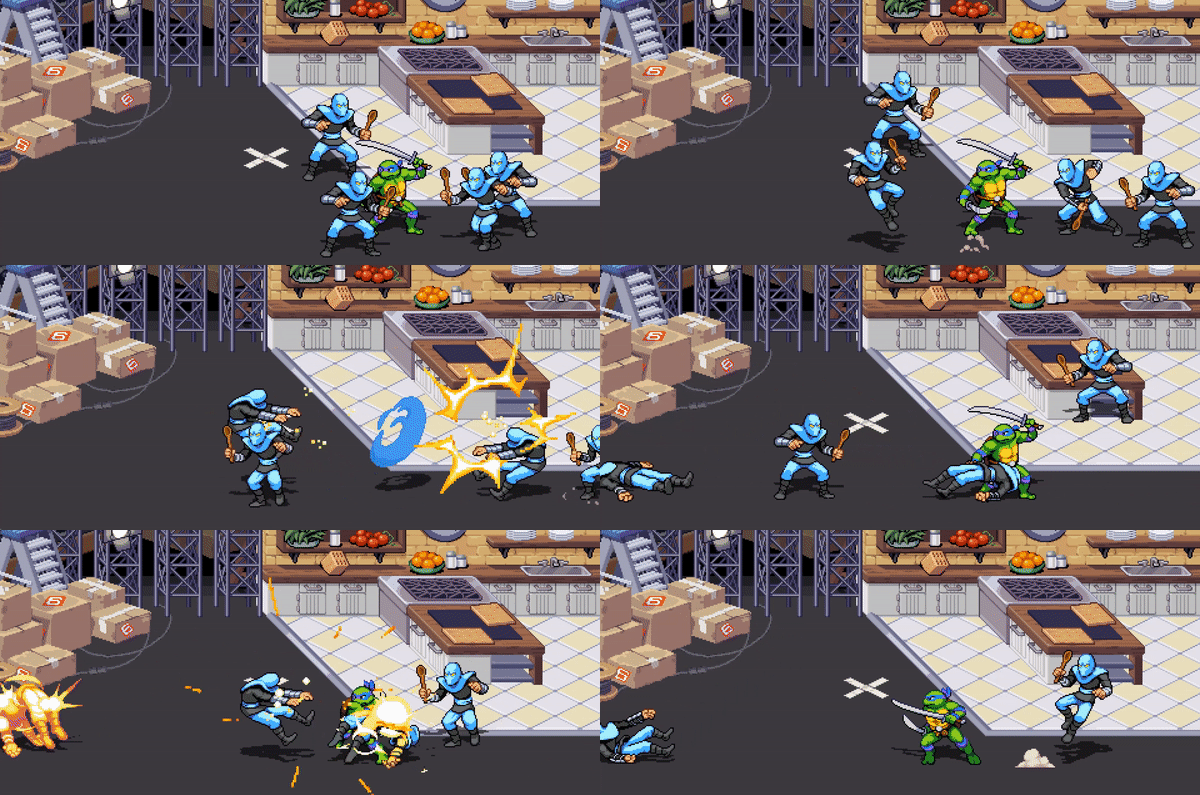
Teenage Mutant Ninja Turtles: Shredder’s Revenge features groundbreaking gameplay rooted in timeless classic brawling mechanics, brought to you by the beat ’em up experts at Dotemu (Streets of Rage 4) and Tribute Games. Bash your way through gorgeous pixel art environments and slay tons of hellacious enemies with your favorite Turtle, each with his own skills and moves - making each run unique! Choose a fighter, use radical combos to defeat your opponents and experience intense combats loaded with breathtaking action and outrageous ninja abilities. Stay sharp as you face off against Shredder and his faithful Foot Clan alone, or grab your best buds and play with up to 6 players simultaneously!




Cấu hình để chơi game Teenage Mutant Ninja Turtles: Shredder's Revenge
- Requires a 64-bit processor and operating system
- OS: Windows 7, 64-bit
- Processor: Intel Core i3-2100 or AMD FX-4300
- Memory: 4 GB RAM
- Graphics: NVIDIA GeForce GT 320, 1 GB or AMD Radeon HD 5570, 1 GB or Intel HD 4600
- Storage: 1 GB available space
- Requires a 64-bit processor and operating system
- OS: Windows 10, 64-bit
- Processor: Intel Core i5-2400 or AMD FX-6300
- Memory: 4 GB RAM
- Graphics: NVIDIA GeForce GTS 450, 1 GB or AMD Radeon R7 250, 1 GB or Intel HD 630
- Storage: 2 GB available space
Nếu thấy game Teenage Mutant Ninja Turtles: Shredder's Revenge hay thì nhớ mua bản quyền game ủng hộ nhà phát triển các bạn nhé. Bấm vào nút bên dưới để dẫn đến trang mua bản quyền.
Lưu ý
Hiện tại có thể chơi được:
- LAN Coop - Multiplayer
- Chơi Online Steam + Epic Auth thì nhớ mở + login steam + Active Steam (nếu có nút) trên Launcher 1 lần và khi game bật 1 popup lên trình duyệt thì login tài khoản Epic vào rồi Allow
- Có thể tham gia chơi cùng những ai có bản quyền game nếu cùng phiên bản
- KHÔNG NÊN LINK EPIC ACCOUNT TRONG GAME vì nếu link thì nó cứ bắt đăng nhập trong game suốt.
- Người Host chọn chế độ chơi (story?arcade) -> đoạn lựa nhân vật nhấn phím A -> CEATE PARTY -> chọn chế độ phòng (Public?Friends?Private) -> gửi party code cho người khác vào
- Người vào phòng đứng ở Menu chính của game nhấn phím A -> Join Party Code (hoặc Friends nếu đã kết bạn Steam) -> nhập party code của người host đã gửi

Không có nhận xét nào:
Đăng nhận xét